Let’s make picking stone easier
A few tools to help you explore, save, and decide with confidence.
Picking stone is a lot of looking, a little deciding, and then a conversation. Once you have a portal account, three tools stay with you through that process: Modul AI to see a slab in a finished room, Favorites as a working list, and Collections as named lists for real projects. The first-sign-in walkthrough covers the same ground in about a minute. This is the written version — skip the walkthrough anytime; we’ll save your place.
Modul AI
See a slab in a finished room, from a description or your photo. Two ways to try a stone in a space before anyone cuts it.
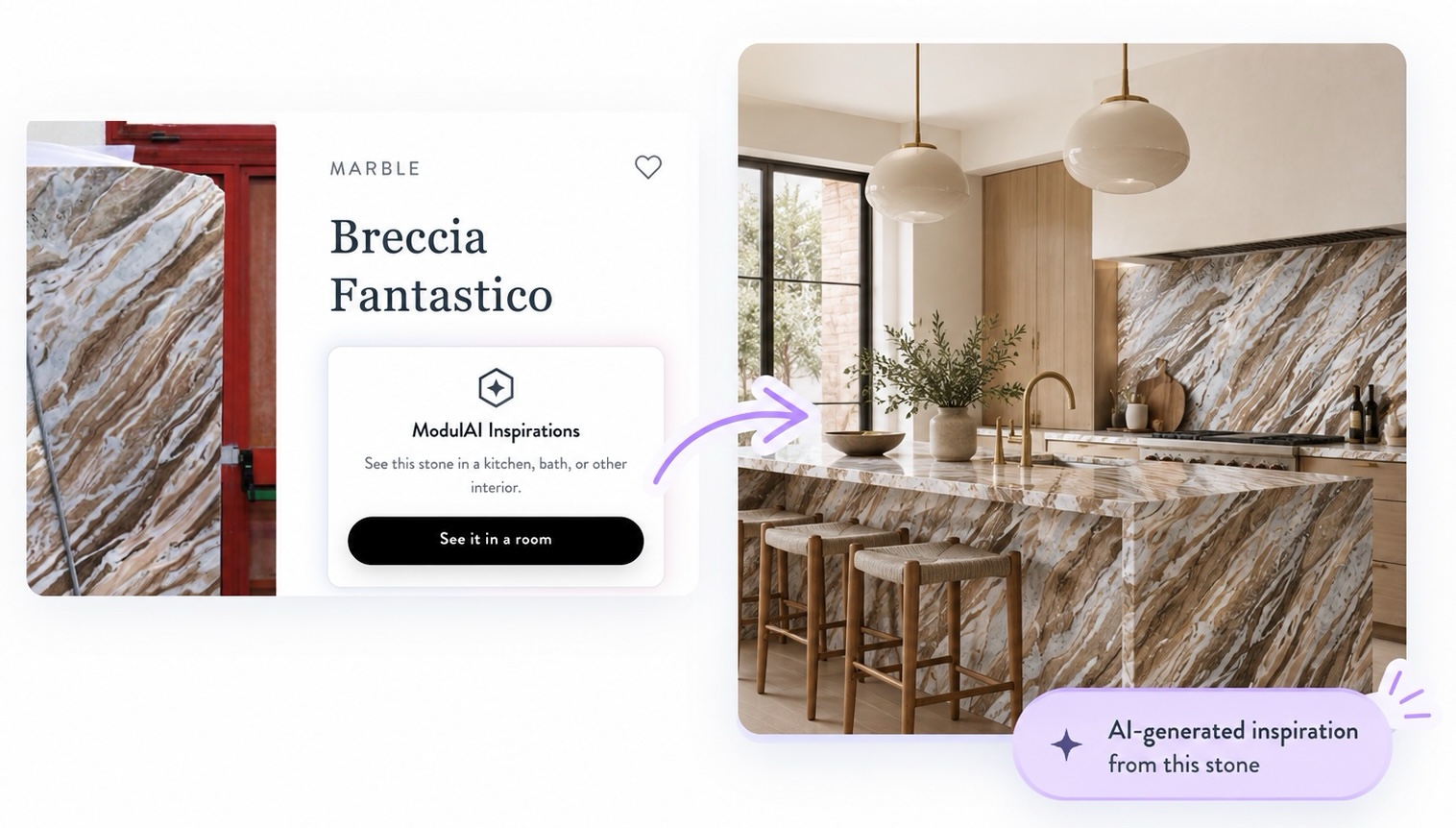
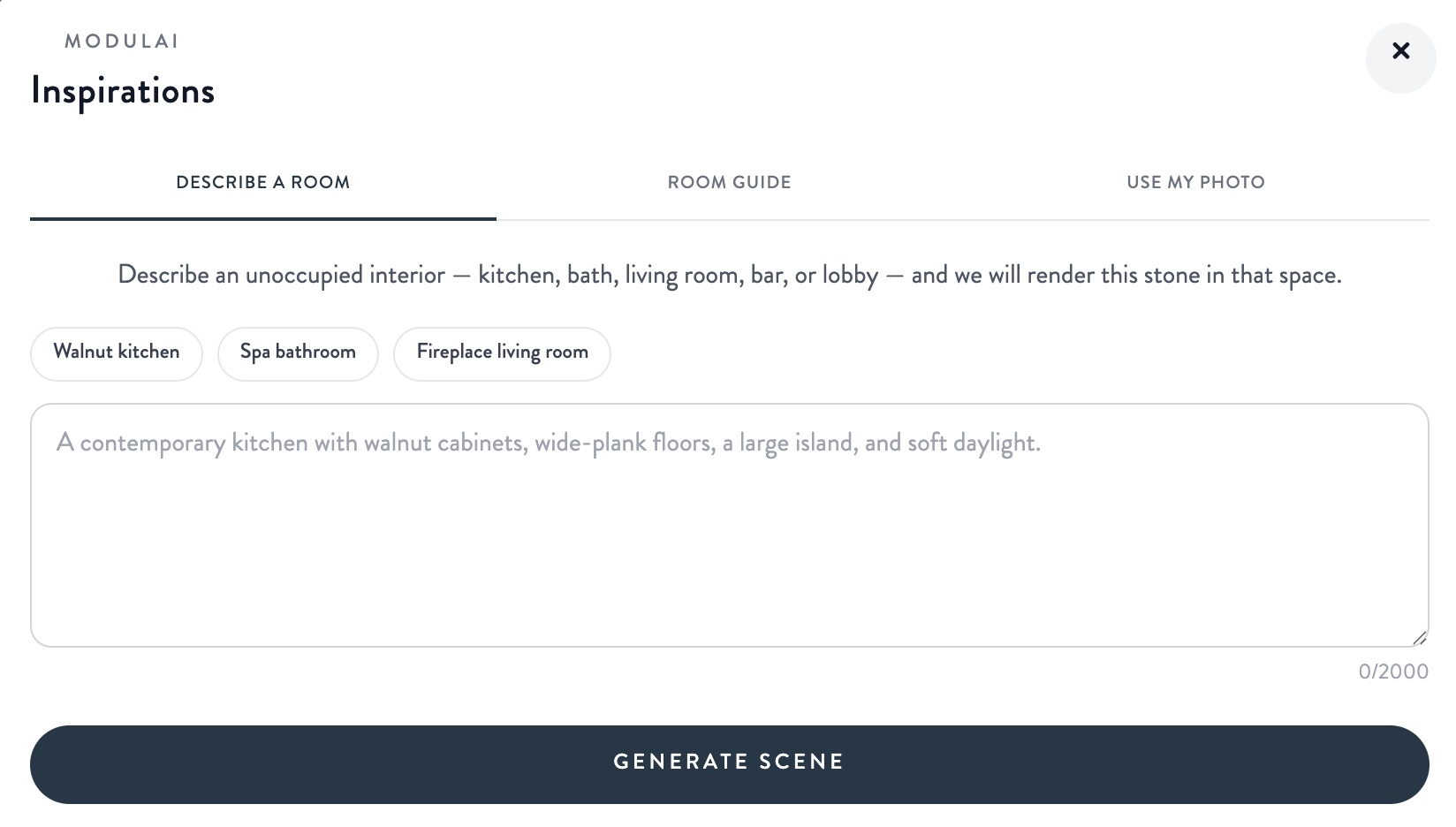
It lives on slab pages, in the ModulAI Inspirations card. Open a stone, tap See it in a room, then choose one of two paths:
Access: a portal account plus Modul AI on that account. If you don’t see the card on a slab page, ask your Modul Marble contact.
Favorites
Heart stones as you browse, then inquire about the whole set. Favorites is the working list — the stones you might still be deciding on.
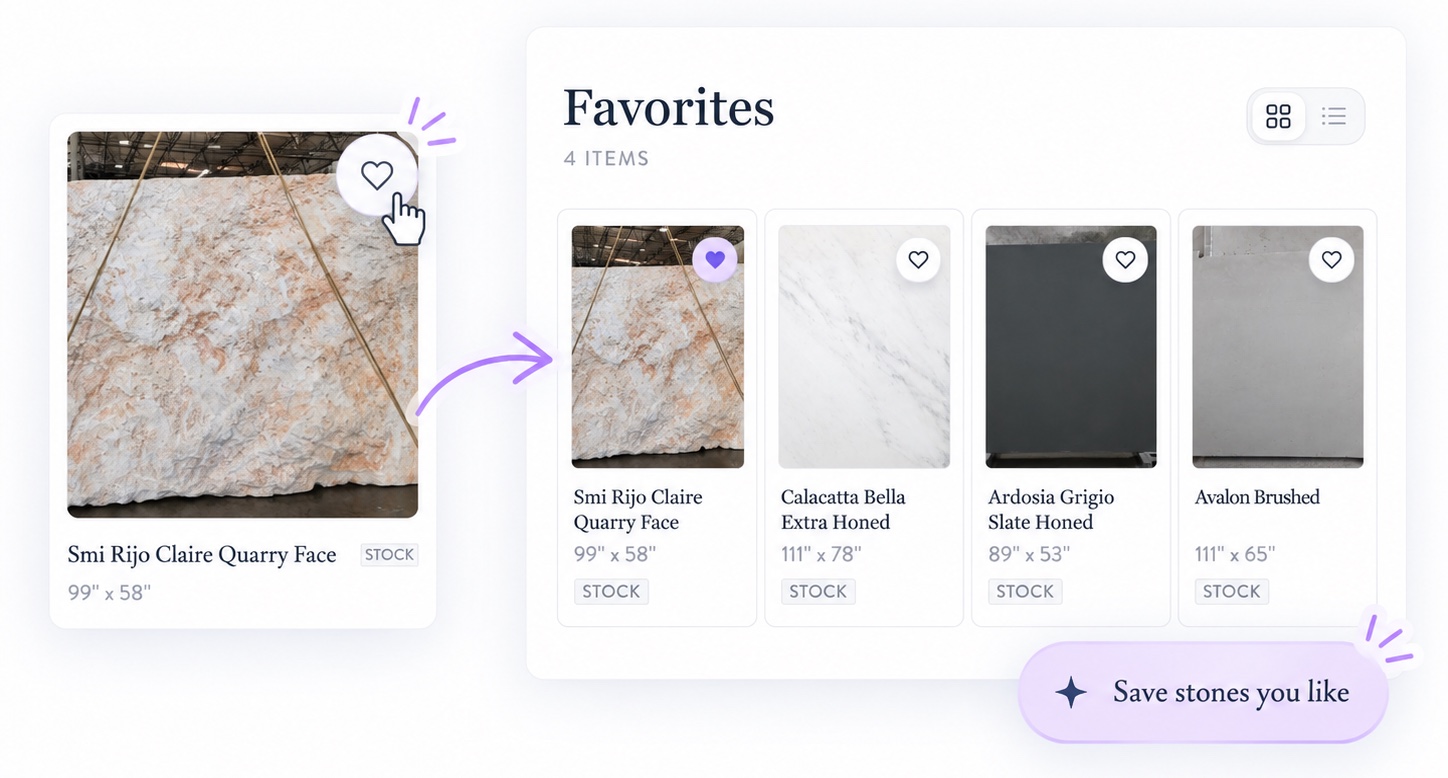
Heart an item anywhere on the site. Then open Favorites to review the set, add notes, download Excel or PDF, or send one inquiry for everything on the list. When a project firms up, Move to collections parks those items in a named list so Favorites stays a scratch pad.
Access: anyone can favorite as a guest. Signed-in members keep the list across visits and can move it into Collections.
Collections
Named lists for each project, ready to share or send over. Collections are for the jobs that already have a name — Master Bath, Lobby redo, Option A.
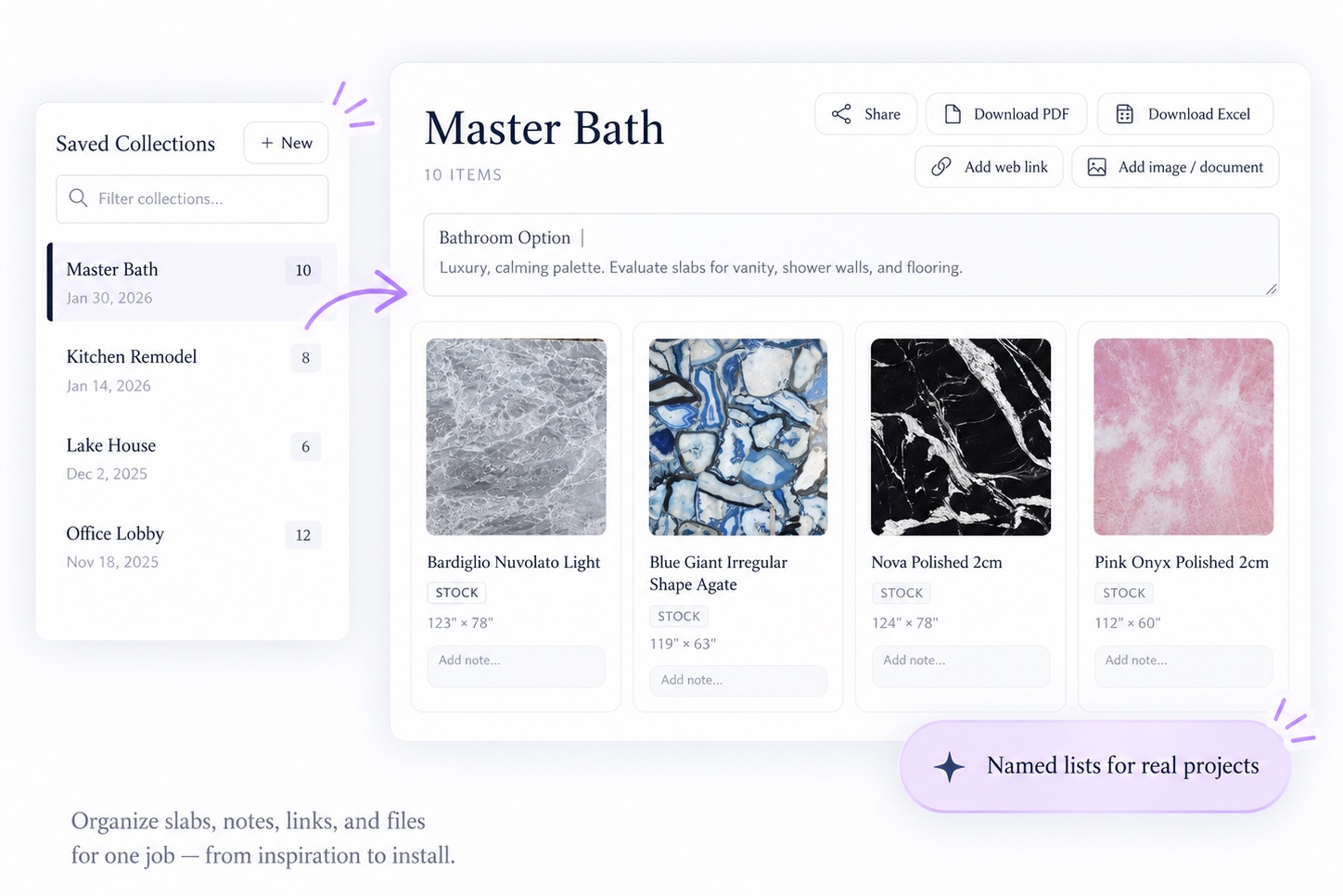
Each collection holds the slabs, notes, links, and files for that job. Share a link, download PDF or Excel, or inquire about the whole set in one go. Start from Favorites, or open My Collections and create a new one.
Access: portal sign-in. Open My Collections anytime from the menu.
How they fit together
Browse. Heart what might work. Use Modul AI when you want to see a slab on a counter, a wall, or a floor. When the shortlist is ready, move it into a collection, share it with the client or the shop, and inquire about the whole set instead of sending stones one at a time.